Now that MEMClient has been loaded you should see a picture frame on your screen as shown below.
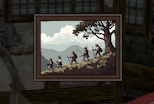
If you click on that it will load the MEMClient Window.
Pick a Memoir
Once you click on the Picture frame you should see a list of the available quests as show below.
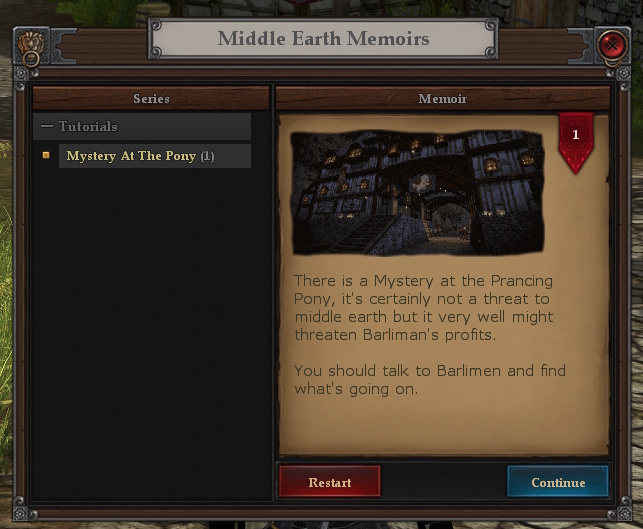
The screen above only has the Mystery At The Pony quest showing in the series Tutorials. You may need to click the Tutorials node to open it.
Memoirs are organized into Series so that authors can create parts of the story and release them separately also this allows you to continue from a position in the story line. If Memoirs are part of a series they will have a number in gray at the end showing which part each is. Mystery At The Pony has a (1) at the end showing its part 1 of the series.
If this list is empty then no Memoirs have been loaded. Each memoir is a separate plugin allowing you to load only the ones you are interested in.
Select the Memoir
Once you select the memoir it will show you the summary and a image for that story.
Whilst there is no Level limit for Memoirs there is a recommended level. This is something the Author has added and would typically mean the area’s you need to go to and the encounters would be best at that level. The level is show in the Red tag on the top right of the memoir screen.
Continue or Restart
When you add Memoirs to the Plugin it immediately starts loading the saved data for each. This can take a while so you may see a label at the bottom saying Loading... once done you will get the option to Continue or Restart the Memoir. If it’s the first time you are playing this memoir it will show only Start.
Saved data is against your characters so each character can be in a different place in any Memoir.