The plugin can be installed manually or through the Plugin Compendium
Plugin Compendium
The Plugin Compendium can be downloaded from LotroInterface
Plugin Compendium on Lotro Interface
Installing with the Compendium
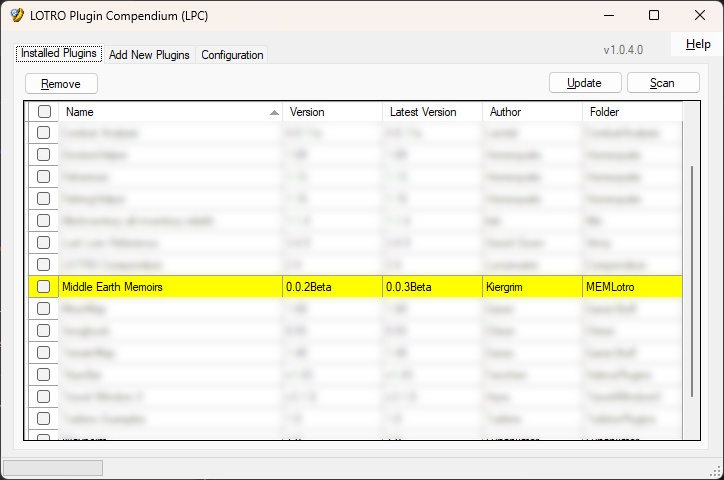
Once you have the compendium installed you will be able to search for Middle Earth Memoirs in the list of plugins and it will install for you.
Additionally when new version of the Compendium are installed you will be able to update them from the Compendium.
Manual Installation
We highly recommend using the Lotro Compendium but if you can not then manual installation is still possible.
Downloading
First you need to download the latest version of the plugin. You can get the latest version from Lotro Interface.
Middle Earth Memoirs on Lotro Interface
Installing
Once you have the zip file you need to unzip it in the Lotro Plugins folder.
Windows
On windows your plugins folder should be.
C:\Users\<YourUsername>\Documents\The Lord of the Rings Online\Plugins
MAC
On mac your plugins folder should be.
~/Documents/The Lord of the Rings Online/Plugins